The home page is the live capture, then attach, the flame graph, auto-profiling and the scheduler. The recordings here are the rest, and each one links to the manual. What a live capture can record depends on the machine the service runs on — the platform table is that list.
Overview · game_loop
Capture
On Linux the service can choose which functions to hook. That needs root or CAP_SYS_ADMIN.
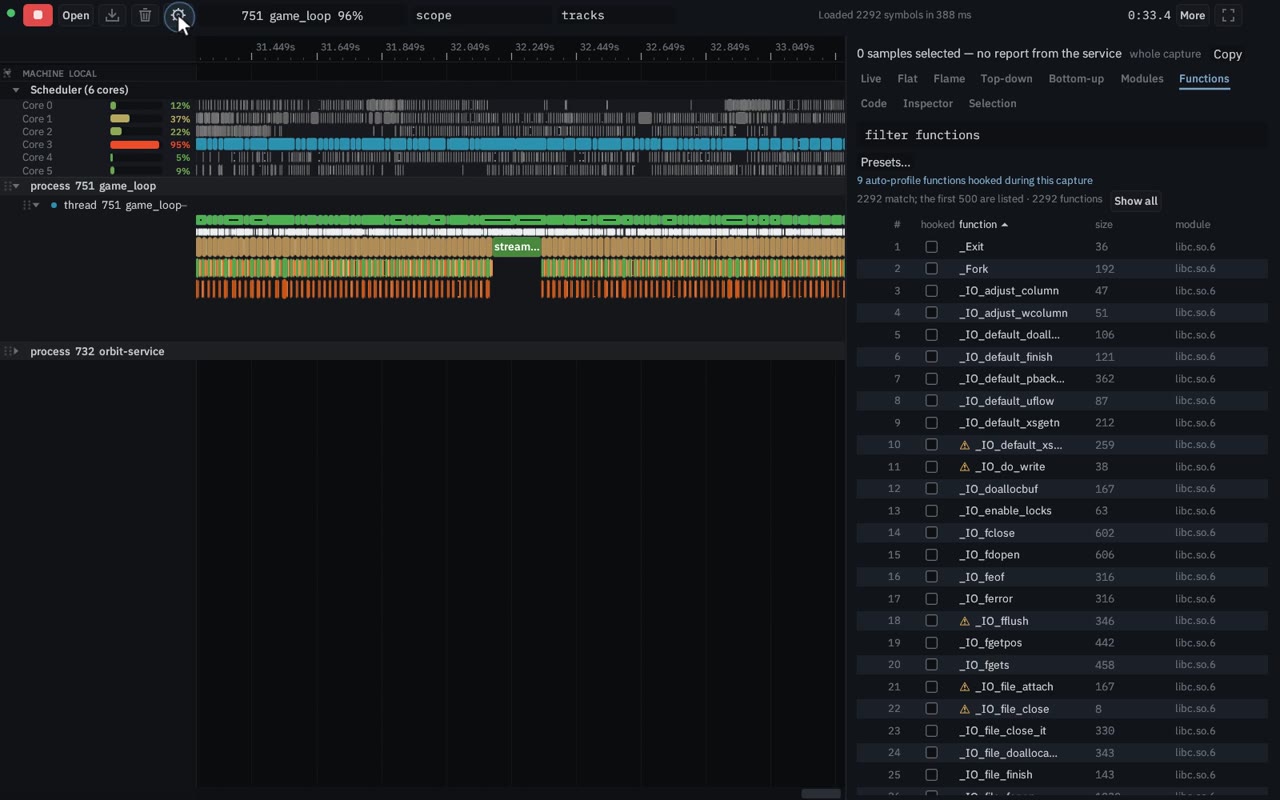
Auto-profiling chooses functions from the samples and drops whatever costs too much, inside a scopes-per-second budget. The status line counts hooked functions and scopes per second until the set converges, and the Functions view lists what was hooked. It is in the Linux service. It uses the kernel hook engine, so it needs root or CAP_SYS_ADMIN. It is not available on macOS or Windows.
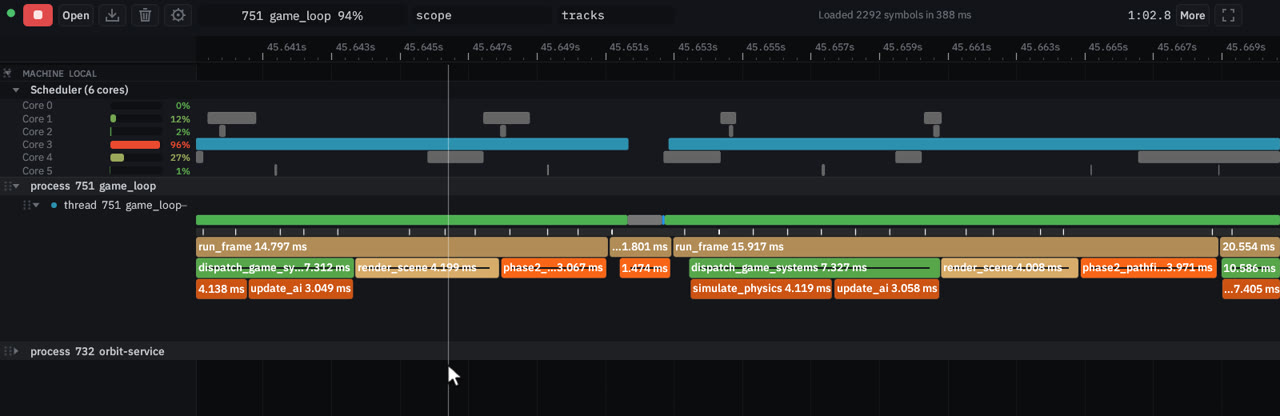
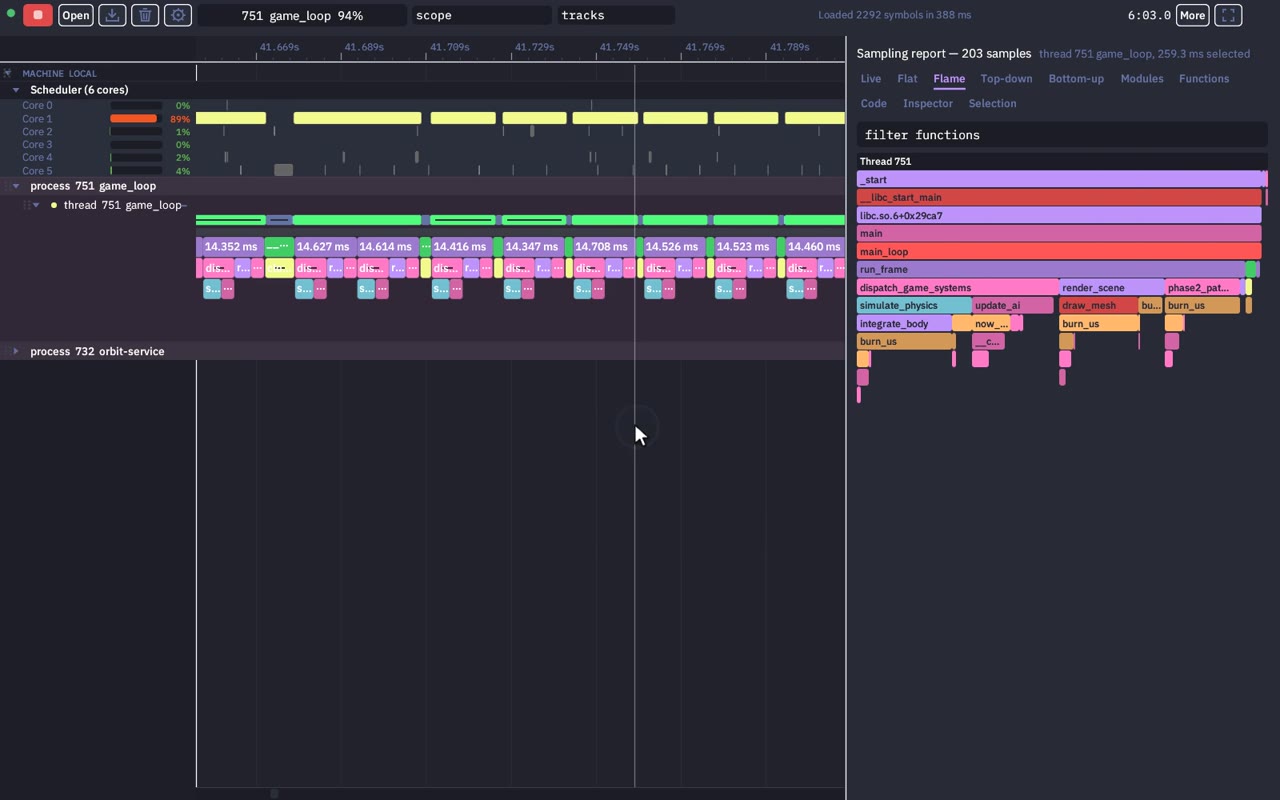
Ctrl+wheel zooms around the cursor, drag pans, and W, S, A and D do the same from the keyboard. Hover a scope for a tooltip on the nested hooked functions.
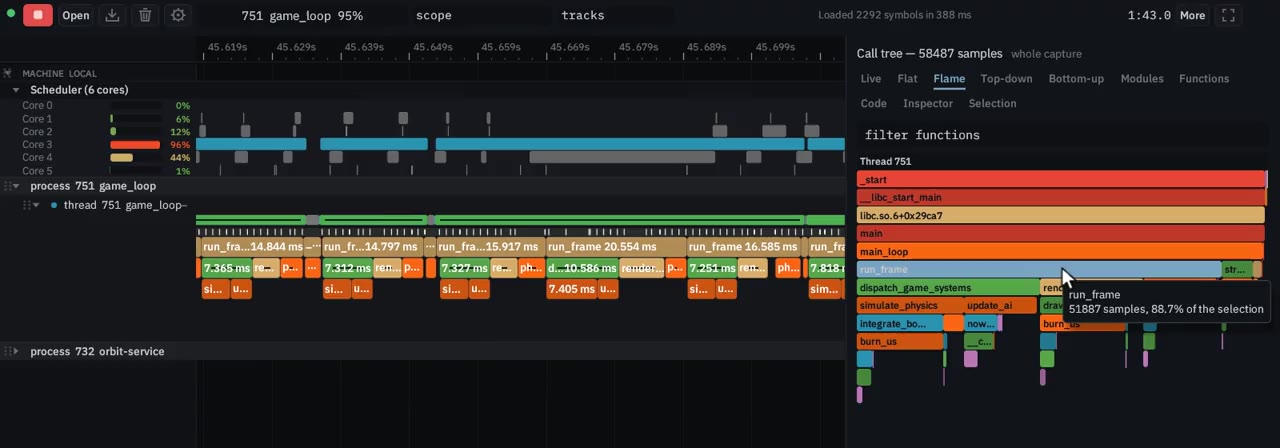
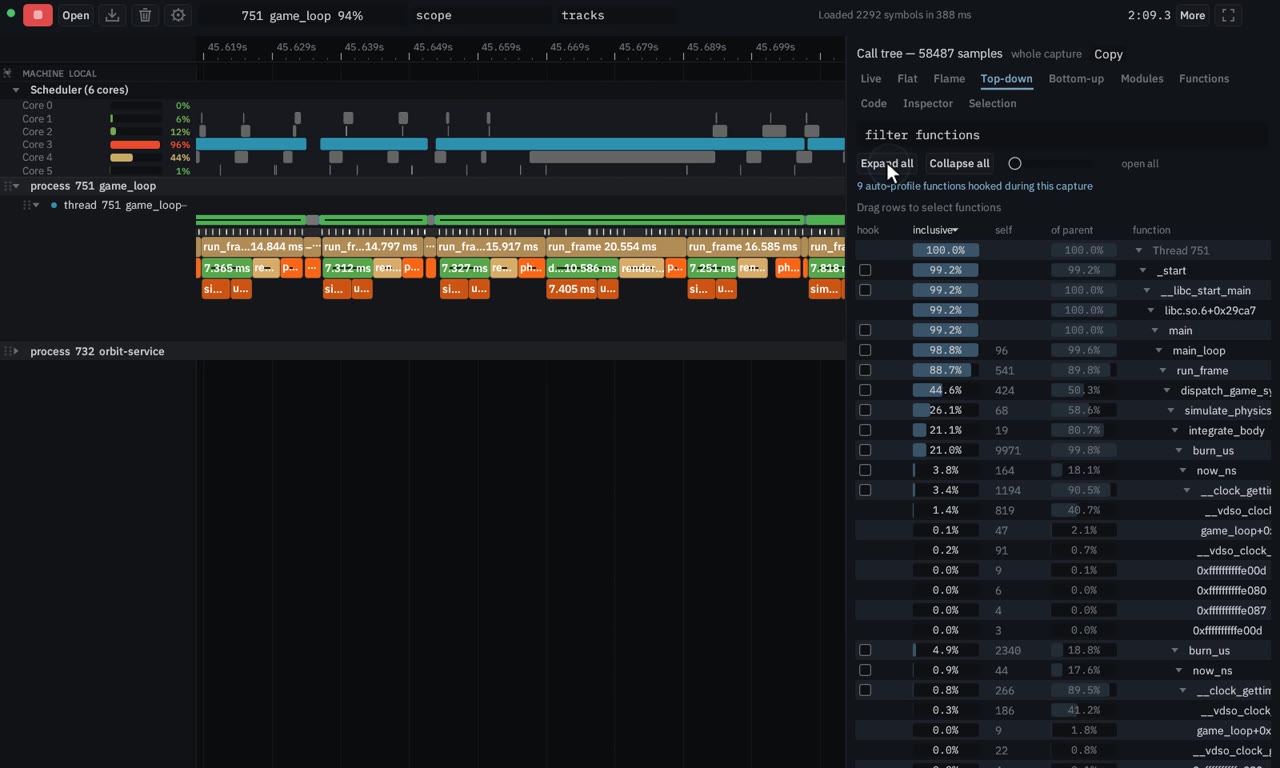
The top-down tree shows inclusive, self and of-parent percentages — run_frame at about 88% inclusive — and can collapse or expand all. The bottom-up tree walks from the hottest leaves back to their callers.
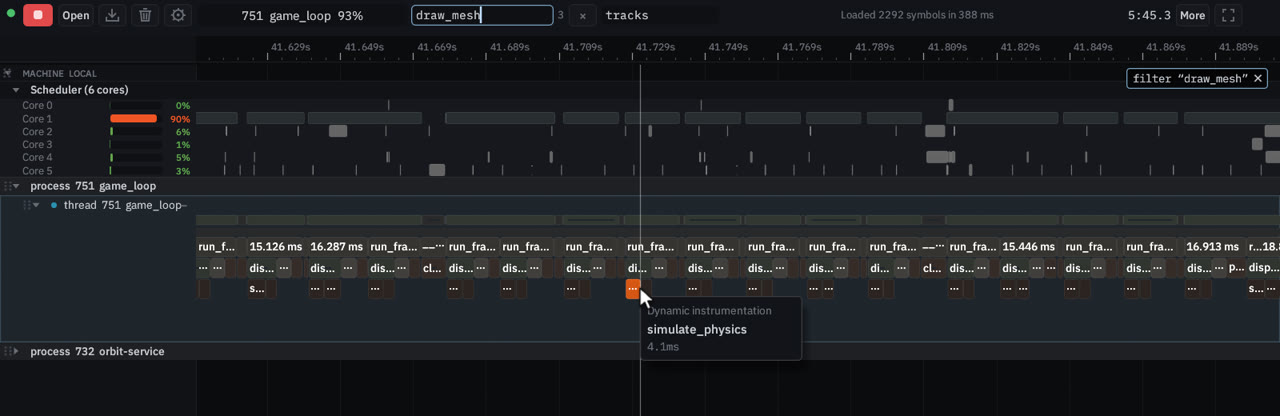
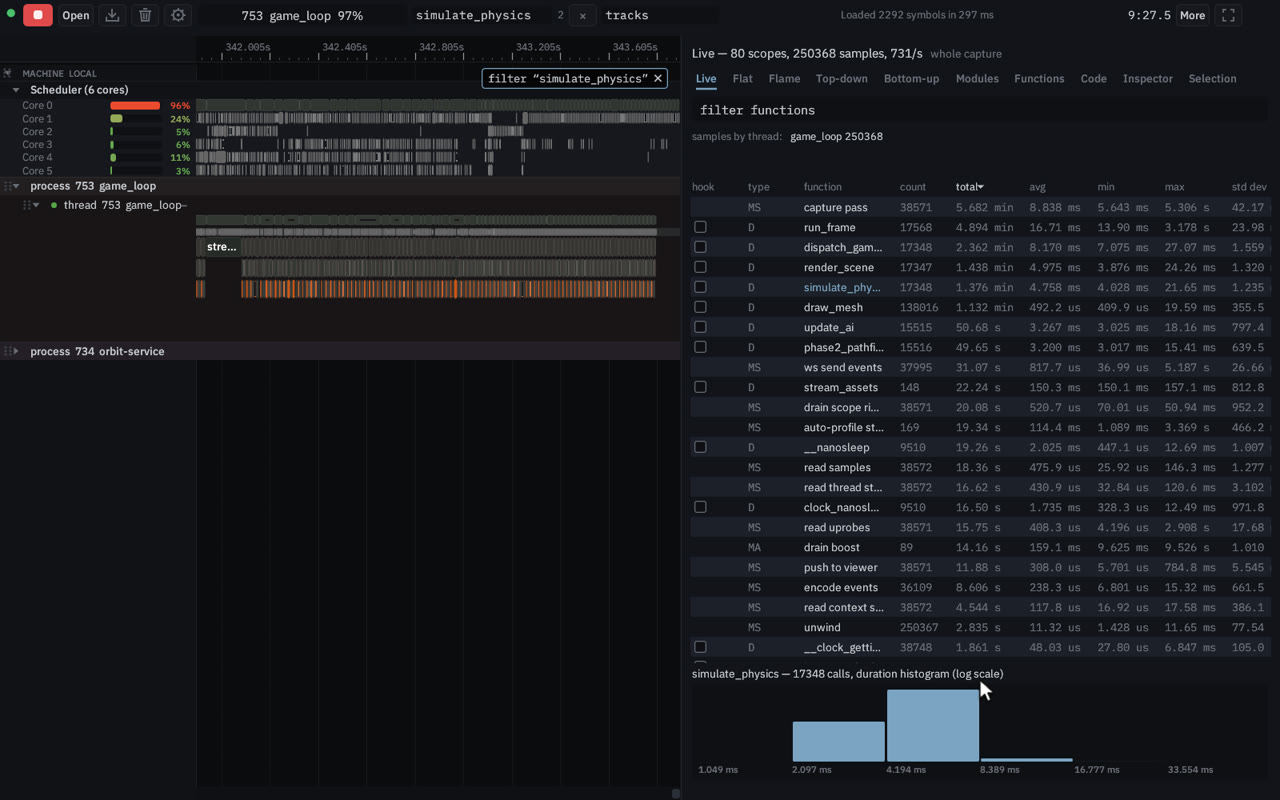
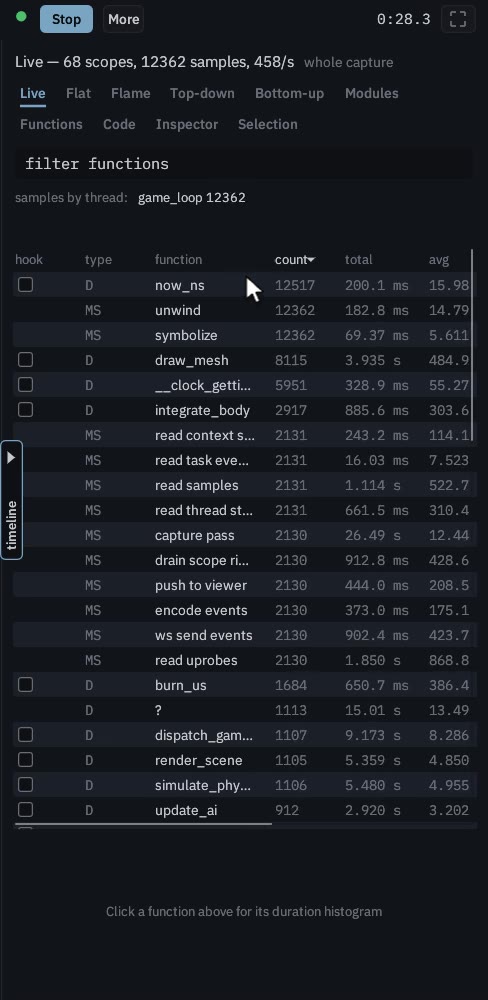
The Live table updates as events stream in: count, total, average, min, max and standard deviation for each scope. Click a row, such as simulate_physics, for its duration histogram and a highlight on the timeline.
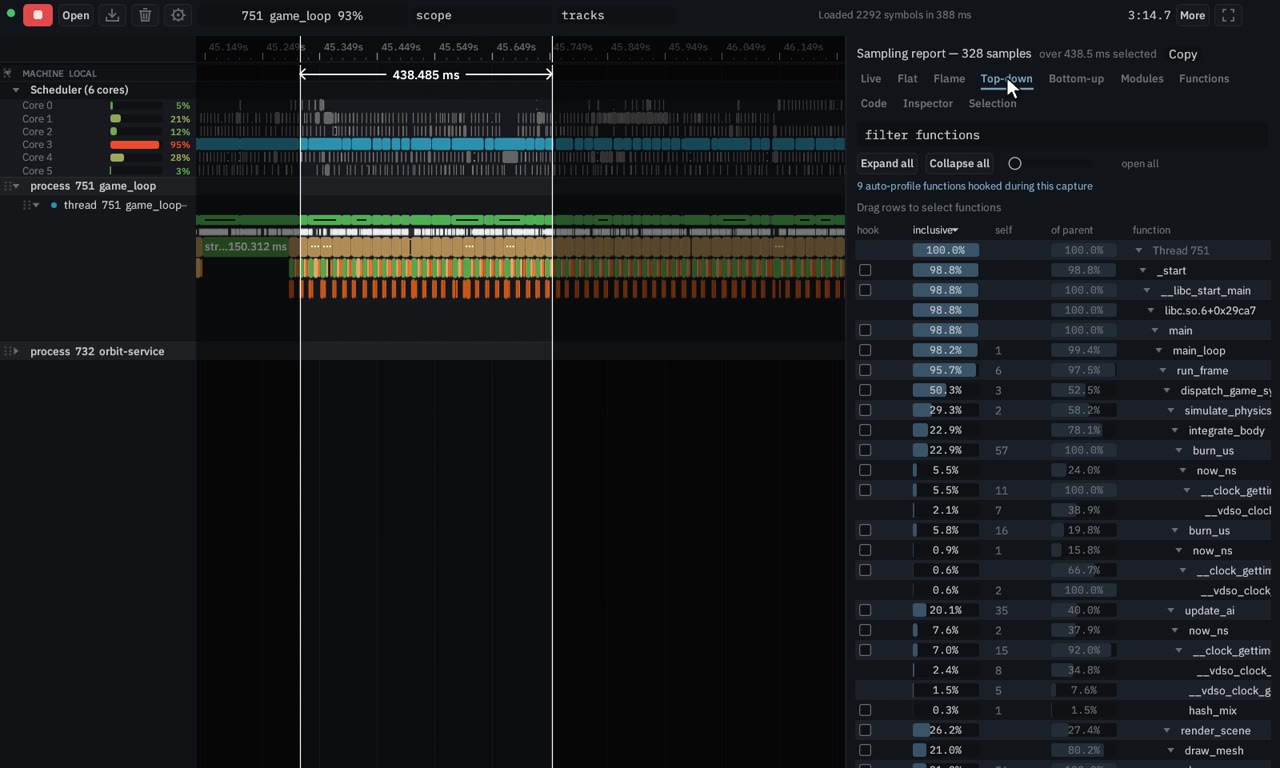
Right-drag selects a time range across every thread, and the flame graph and top-down tree recompute for that window. Left-drag on a thread’s sample bar limits the report to that thread.
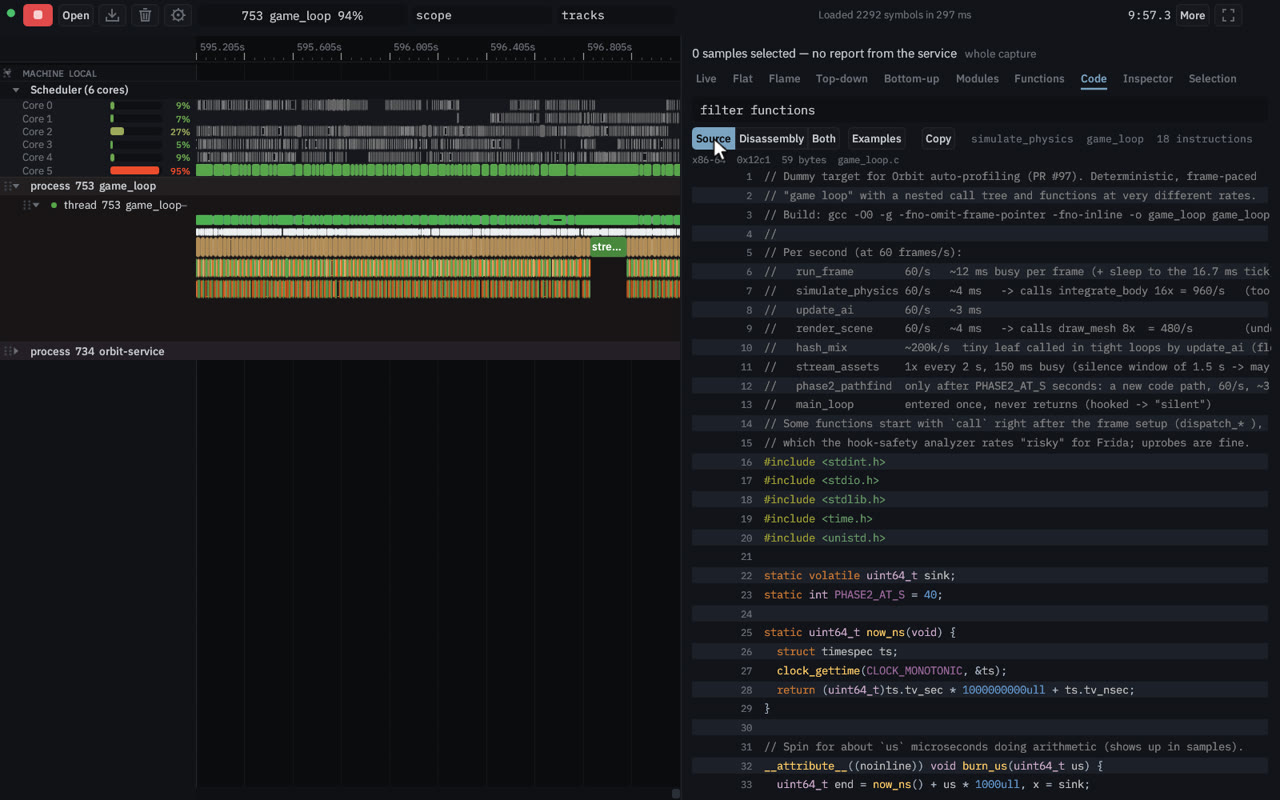
Right-click a function and open disassembly and source. The service disassembles it from the running binary and interleaves the source lines. Switch among Source, Disassembly and Both.
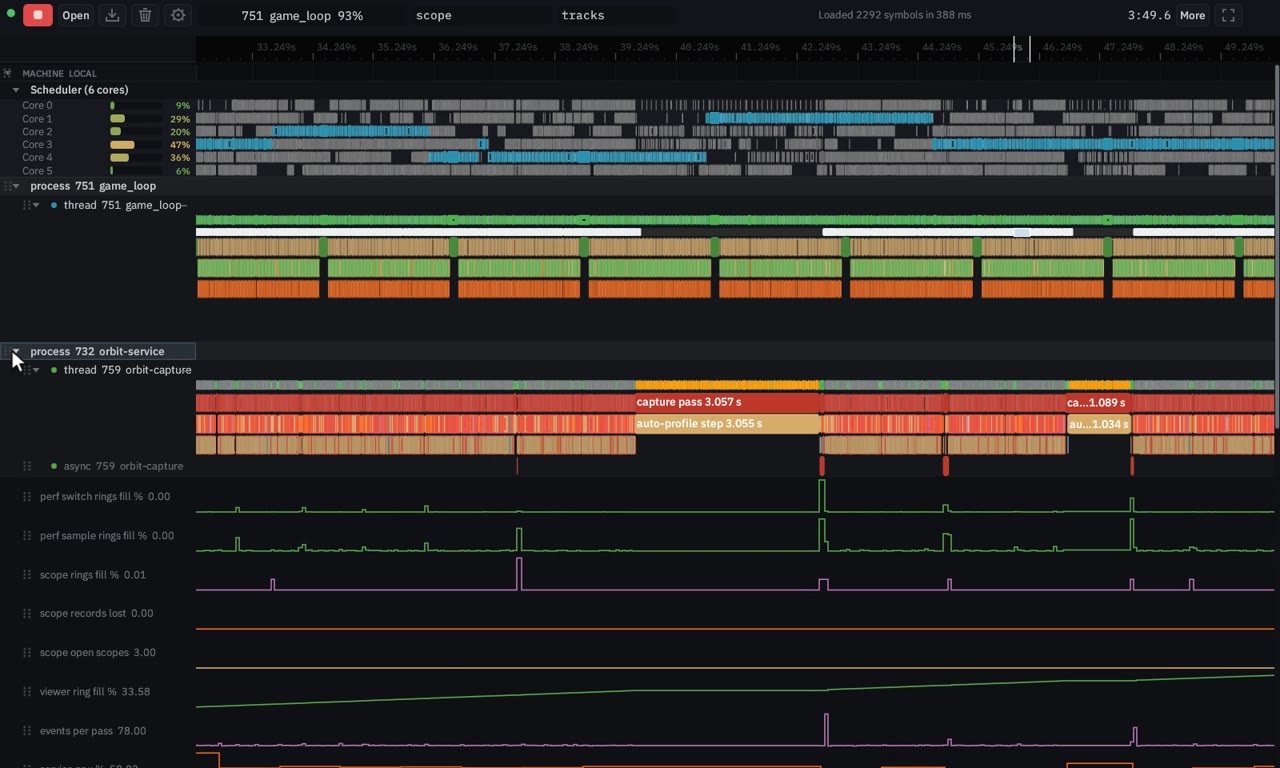
orbit-service instruments itself. CPU percent, RSS, events per pass and the ring lanes sit with its own scopes, and a cursor line reads them across the capture.
Works everywhere
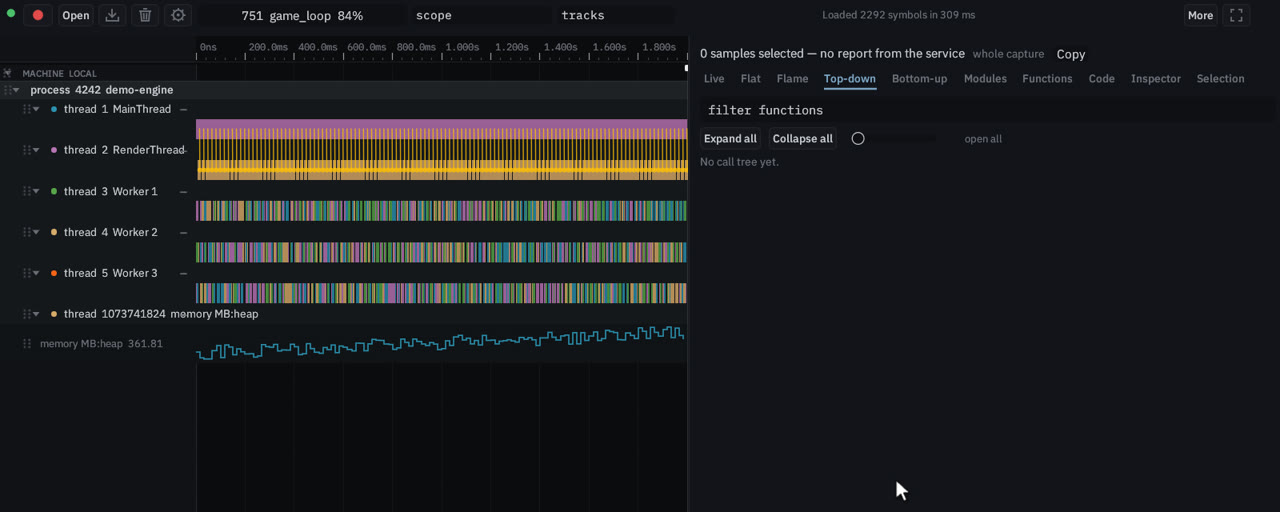
The same viewer, in another colour scheme, on a phone, or from a Chrome trace. This is the page, not a claim that every capture feature exists on every operating system.
Optional, Linux only. The service binary does not link the driver.
If orbit-gpu-helper is next to orbit-service, a capture can show NVIDIA utilisation, memory and power. The helper loads the driver library at runtime and stays quiet when it is not there, so a machine without an NVIDIA GPU still captures. This is not AMD job tracing or Vulkan debug labels; those were the original Orbit and are not a live feature here.